Summon from anywhere
A global hotkey brings QuickGPT over any app — Mail, your editor, a PDF, doesn't matter.
QuickGPT tucks ChatGPT into your menu bar. Summon it over any app with a hotkey, ask, copy the answer, and get back to what you were doing. No tab to lose. No dock to clutter.
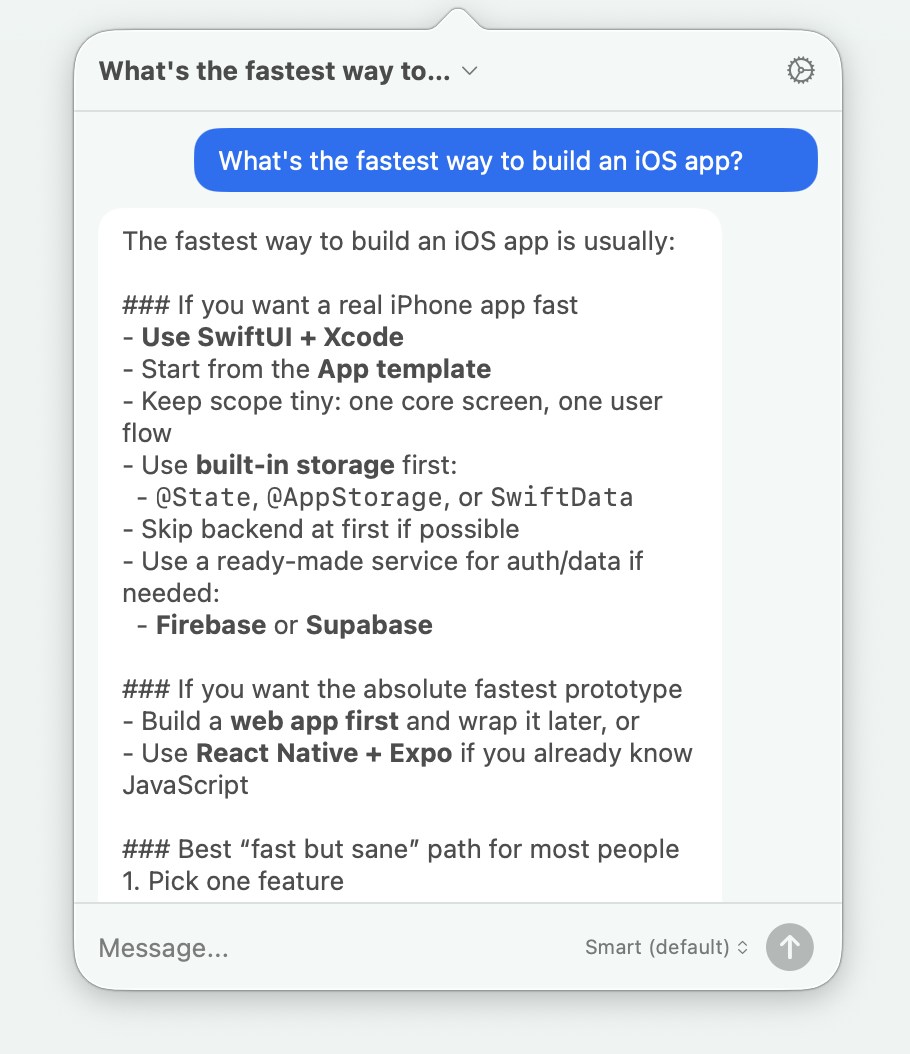
Opening a browser, finding the right tab, waiting for it to load, copying the reply back into your actual work — that's a lot of ceremony for “make this sound friendlier.”
QuickGPT skips all of it. The AI is already here, one keystroke over whatever you're doing — and gone again the moment you're done.
“The best tool is the one you forget is there until the second you need it.”
Everything QuickGPT does is in service of one thing: less friction between a question and an answer.
A global hotkey brings QuickGPT over any app — Mail, your editor, a PDF, doesn't matter.
No dock icon, no window to manage, no tab to hunt for. It's just always up there, waiting.
Ask what you need, copy the answer, and get straight back to the work in front of you.
Open, ask, copy, dismiss — without ever reaching for the mouse. Built for people in flow.
Use your Codex CLI login or OpenAI API key. We never put a server in the middle.
A native Mac utility that sips memory, launches quickly, and stays out of your way.
Highlighted chat text is copied automatically, and clipboard content is pasted automatically.
QuickGPT conversations stay in QuickGPT, ready to revisit anytime.
QuickGPT appears over Mail, Notes, your browser, chat, or code. Ask the question, grab the answer, and carry on without changing context.
No subscription. No trial clock. No credit card form pretending not to judge your autofill.
Bring your own OpenAI key or Codex CLI login
You can use your Codex CLI login and ChatGPT subscription, or connect your own OpenAI Platform API key.
Your conversations go directly from your Mac to the service you connect. Tinybots has no server in the middle.
QuickGPT costs $0. API usage may still be billed by OpenAI if you choose the API-key option.
macOS 13 or later, on Apple Silicon or Intel.
QuickGPT puts ChatGPT one keystroke away. Download it free, because a tiny menu bar utility does not need a billing department.